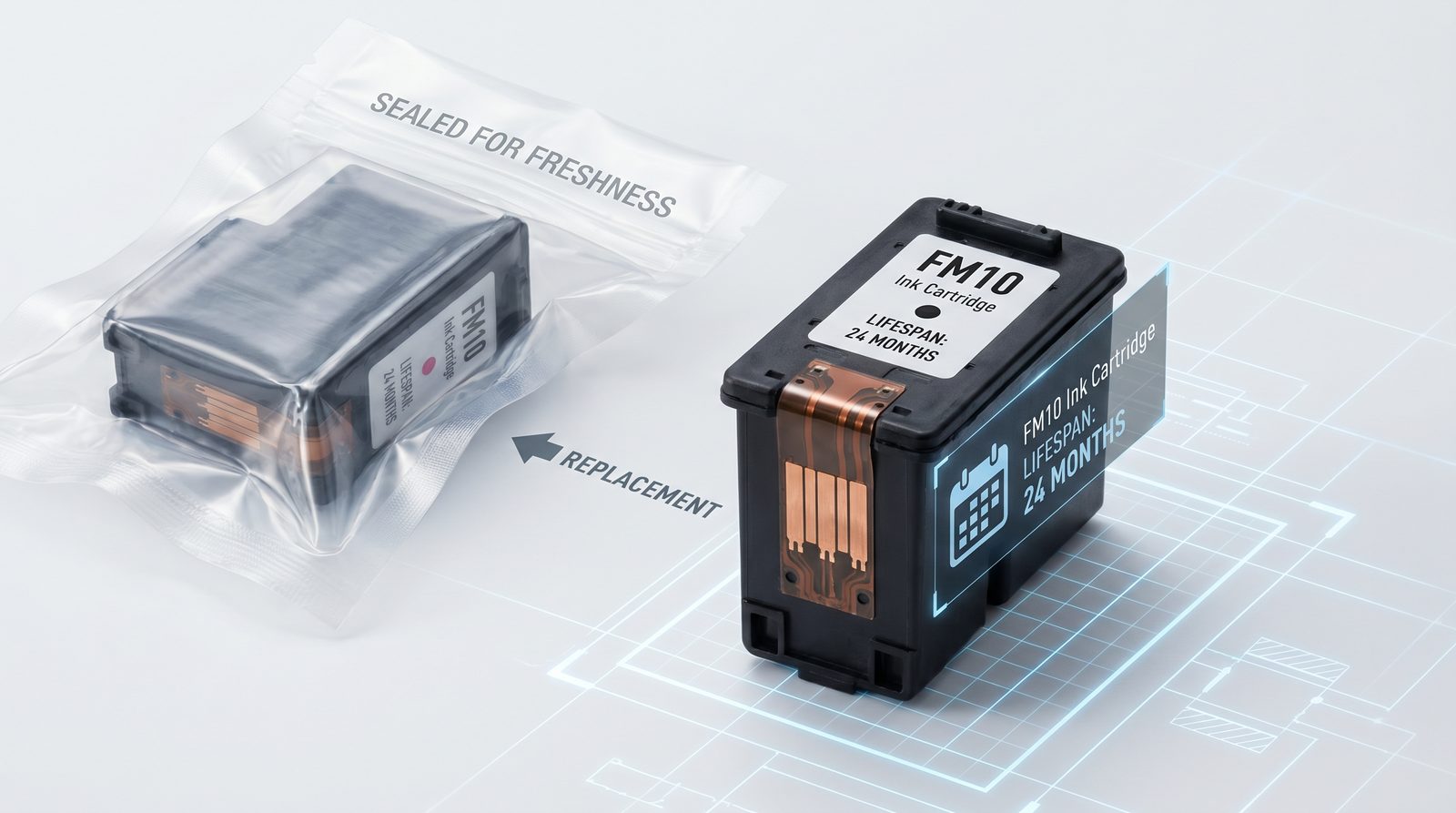
Whether you are a mobile nail technician using the H1 or a high-volume salon operating the X12.5, the quality of your nail art depends heavily on your ink supply. The FM10 cartridge is the lifeblood of your O'2Nails printer, delivering vibrant, high-resolution designs in seconds. However, understanding how to properly manage this crucial component can save you money and prevent unexpected downtime. In this comprehensive guide, we will cover everything you need to know about the FM10 cartridge, from its expected lifespan and proper storage techniques to the step-by-step replacement process.
How Long Does an FM10 Cartridge Last?
The FM10 cartridge typically yields around 450 to 500 individual nail prints, depending on the complexity and color density of the designs.
In our experience working with Canadian salons, the lifespan of your FM10 cartridge is directly tied to your usage volume. For a high-end salon using the X11 Plus or V12 to print full sets daily, a cartridge may last a few weeks. Conversely, a personal user or hobbyist with the M1 might only need to replace their cartridge every few months. It is important to note that printing intricate, full-color designs will consume ink faster than simple logos or minimalist patterns. Tracking your print count can help you anticipate when a replacement will be necessary, ensuring you never run out during a busy shift.
What Are the Best Practices for FM10 Cartridge Storage?
To preserve the ink quality and prevent drying, store your FM10 cartridge in a cool, dry environment between 15°C and 25°C, away from direct sunlight and extreme temperature fluctuations.
Proper storage is critical for maintaining the longevity of your FM10 cartridge, especially if you keep backups on hand. Exposure to excessive heat can cause the ink to expand and leak, while freezing temperatures can permanently damage the cartridge's internal mechanisms. If you are a mobile tech using the V11 or H1, avoid leaving spare cartridges in your vehicle overnight during harsh Canadian winters or hot summer days. Additionally, always keep the cartridge in its original sealed packaging until you are ready to install it. Once installed, ensure the printer is powered off correctly so the printhead parks in its protective position, preventing the ink from drying out.
How to Replace the FM10 Cartridge in Your O'2Nails Printer?
Replacing the FM10 cartridge is a simple process: open the printer's access door, remove the depleted cartridge by pressing down gently, and slide the new cartridge into place until it clicks.
When it is time for a replacement, the process is designed to be quick and user-friendly, minimizing downtime in your salon. First, ensure your O'2Nails printer is powered on so the carriage moves to the replacement position. Open the ink access door and gently press down on the old FM10 cartridge to release it. Remove the new cartridge from its packaging, being careful not to touch the copper contacts or the printhead nozzles, as this can cause printing errors. Slide the new cartridge into the slot at a slight upward angle and push until it clicks securely into place. Close the access door, and your printer will automatically run a short initialization cycle. We recommend performing a test print to verify the alignment and color quality before your next client.
Why Choose NailPrinter.ca?
As the authorized North American distributor for O'2Nails, NailPrinter.ca provides guaranteed authentic FM10 cartridges with fast, reliable shipping across Canada and the US.
Purchasing your supplies from an authorized distributor ensures you receive genuine products that will not damage your machine or void your 1-year warranty. We maintain in-region inventory, meaning you will not have to wait weeks for international shipping when you need ink urgently. Furthermore, we offer comprehensive support and free onboarding for all our machines, from the $899 M1 to the $2,799 X12.5 Flagship Powerhouse. For larger purchases, take advantage of our Affirm and Shop Pay financing options to manage your cash flow effectively.
Conclusion & CTA
Managing your FM10 cartridge properly is essential for delivering consistent, high-quality nail art and maximizing the return on investment of your O'2Nails printer. By understanding its lifespan, adhering to proper storage practices, and knowing how to replace it efficiently, you can ensure your business runs smoothly. Ready to stock up on supplies or upgrade your equipment? Shop FM10 Cartridges or Compare Machines page today.
FAQ
How many nails can I print with one FM10 cartridge? A single FM10 cartridge yields approximately 450 to 500 individual nail prints, depending on the color density and complexity of the designs.
Can I refill an empty FM10 cartridge? No, the FM10 cartridge is designed for single use. Refilling it can damage the printhead, result in poor print quality, and void your O'2Nails printer warranty.
How do I know when my FM10 cartridge is empty? Your O'2Nails app will display a low ink warning when the cartridge is nearing the end of its lifespan. You may also notice faded colors or missing lines in your prints.
Does the FM10 cartridge work with all O'2Nails models? Yes, the FM10 cartridge is universally compatible with the current lineup of O'2Nails printers, including the M1, H1, V11, X11, V12, X11 Plus, and X12.5.