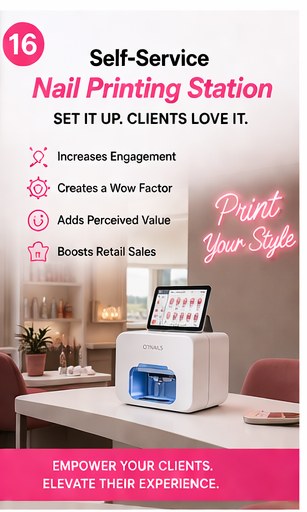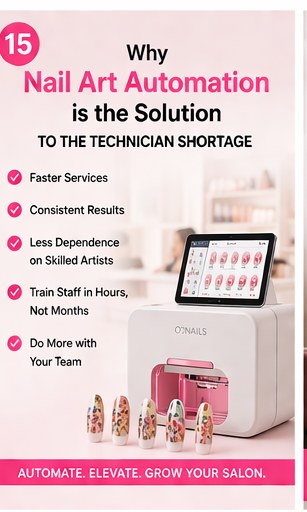
Nail art has traditionally been a time-consuming, highly manual process that limits how many clients a technician can see in a day. The O'2Nails professional nail printer changes that equation entirely, allowing you to cut nail-art time by 80% and charge premium prices for intricate, custom designs. However, the true power of this technology lies in its software. Whether you are a mobile tech using the portable H1 or a high-end salon operating the flagship X12.5, mastering the O'2Nails app is essential for maximizing your efficiency and creativity. This comprehensive tutorial will walk you through everything you need to know to seamlessly integrate the app into your workflow.
How Do You Connect the O'2Nails App to Your Printer?
Connecting your device to the printer is a straightforward process that establishes a direct, secure Wi-Fi link between your phone or tablet and the machine.
First, ensure your O'2Nails printer is powered on and the indicator light is active. Download the official O'2Nails app from the Apple App Store or Google Play Store. Open your device's Wi-Fi settings and look for the network name that matches your printer's model and serial number (e.g., "O2Nails-X11-XXXX"). Connect to this network using the default password provided in your manual. Once connected, open the O'2Nails app; it will automatically detect the printer and display a "Connected" status. This direct connection ensures fast, reliable data transfer when sending high-resolution images to the printer.
How Do You Navigate the O'2Nails Cloud Design Library?
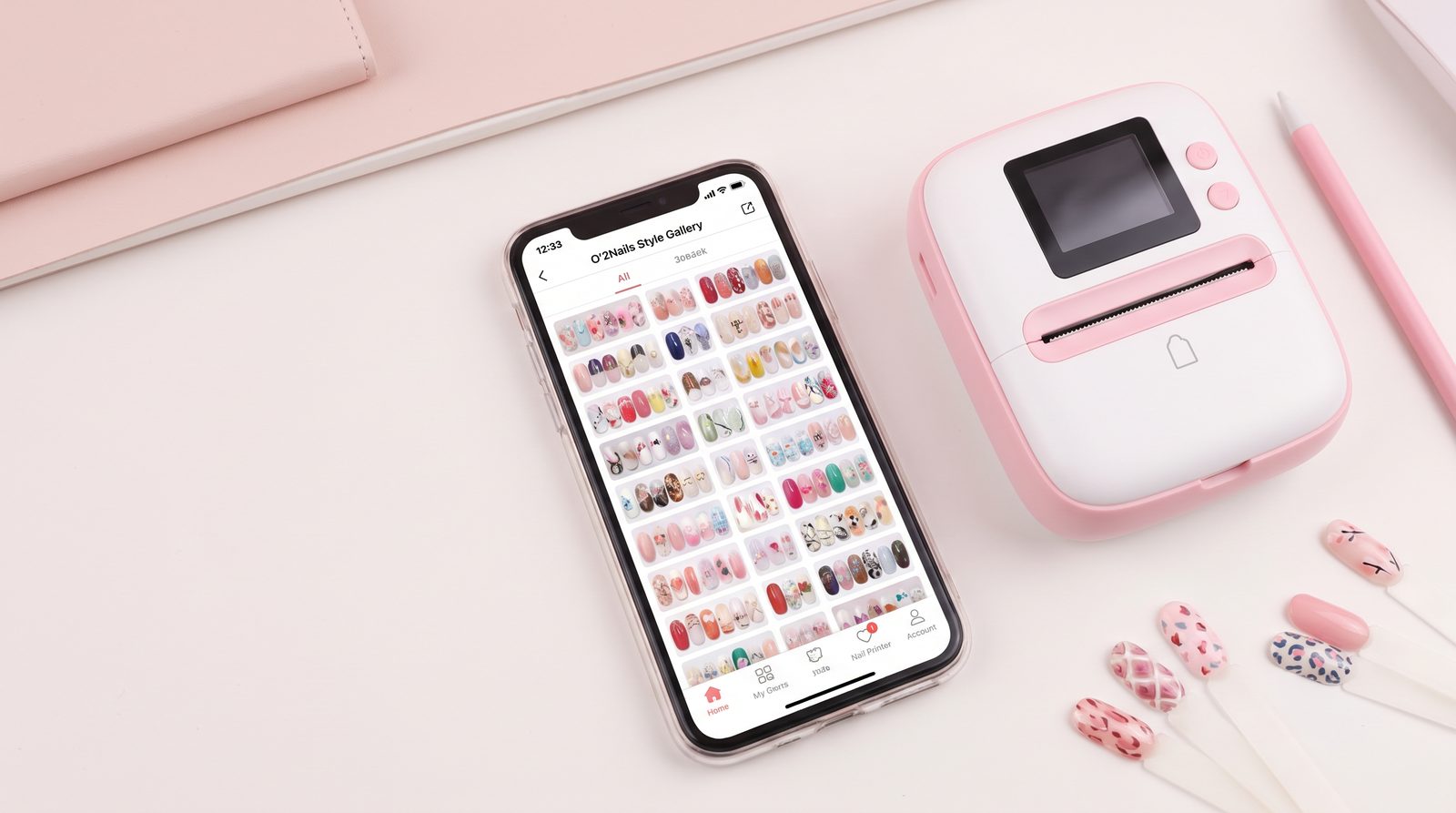
The app provides instant access to a massive, constantly updated cloud library of professional nail art designs, categorized for easy browsing.
Upon opening the app, navigate to the "Design Store" or "Gallery" section. Here, you will find over 1,000 pre-loaded designs ranging from seasonal patterns and intricate lacework to modern geometric shapes. You can use the search function to find specific themes or browse through curated collections. When you find a design you like, simply tap it to download it to your local "My Designs" folder. This allows you to build a personalized portfolio of go-to styles that you can access quickly during client appointments, ensuring you can offer a wide variety of premium options without any manual painting.
| Feature | Description | Benefit for Salons |
|---|---|---|
| Cloud Library | 1,000+ to 10,000+ designs available for download. | Endless options for clients without needing artistic skills. |
| Local Storage | Save favorite designs to "My Designs". | Quick access during busy appointments, saving time. |
| Custom Uploads | Import photos from your device's camera roll. | Offer highly personalized, one-of-a-kind manicures. |
How Do You Upload and Print Custom Images?
One of the most lucrative features of the O'2Nails system is the ability to print any custom image, logo, or photograph directly onto a client's nail.
To upload a custom image, go to the "DIY" or "Custom" section of the app and select the option to choose a photo from your device's gallery. Once selected, the app provides intuitive editing tools to crop, rotate, and scale the image to fit the nail perfectly. You can adjust the brightness and contrast to ensure the final print is vibrant and clear. After finalizing the edits, apply the base color and print gel to the client's nail, position their finger in the printer, and tap "Send to Printer" in the app. The machine will execute the design in approximately 30 seconds, delivering a flawless, high-resolution result that commands a premium price.
Why Choose NailPrinter.ca?
When investing in professional beauty technology, partnering with a reliable, authorized distributor is just as important as the equipment itself.
As the official North American distributor of O'2Nails, NailPrinter.ca provides unparalleled support and peace of mind. We maintain in-region inventory in Canada, ensuring fast shipping without unexpected customs delays. Every printer we sell comes with a comprehensive 1-year warranty and free onboarding sessions to help you and your staff master the equipment and the app quickly. Furthermore, we offer flexible Affirm and Shop Pay financing options, making it easier than ever to integrate this revenue-boosting technology into your business. In our experience working with Canadian salons, the combination of premium hardware and dedicated local support is the key to maximizing your return on investment.
Conclusion & Next Steps
Mastering the O'2Nails app is the key to unlocking the full potential of your nail printer, allowing you to offer thousands of designs, print custom images, and significantly reduce appointment times. By following this tutorial, you can confidently navigate the software and start delivering flawless, premium nail art that sets your business apart. Ready to elevate your salon's offerings? Compare Machines page to find the perfect O'2Nails model for your needs, or contact our team to calculate your potential ROI.