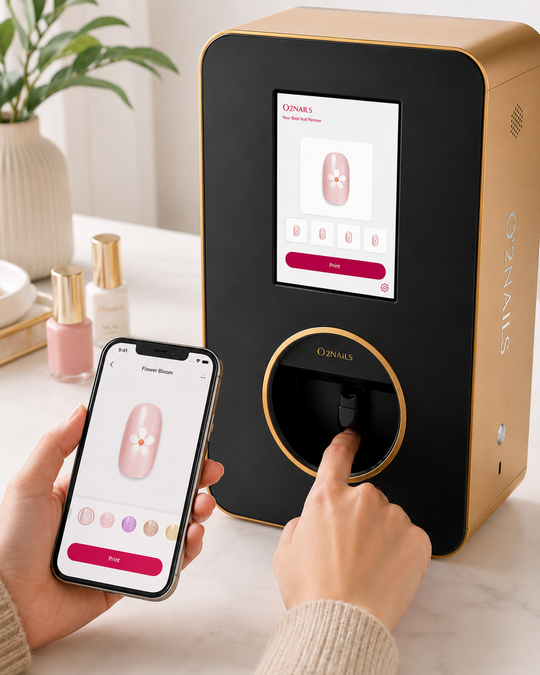
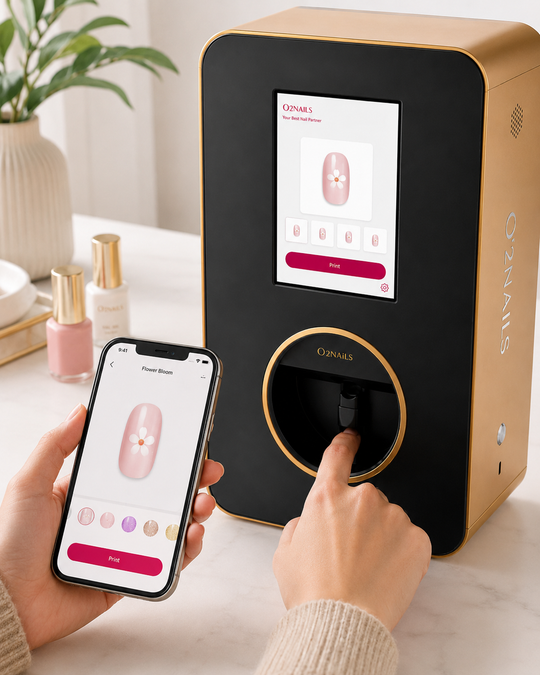
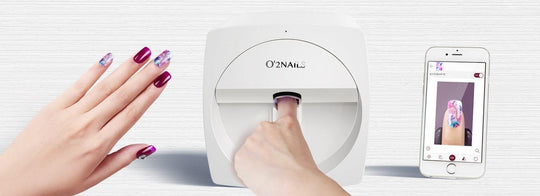
Why most salon owners pick the wrong nail printer
The two failure modes we see most often: (a) buying the entry-level V11 for a busy salon that needed the throughput of the X12.5, and (b) buying the X12.5 "just to be safe" before validating that clients will pay for the add-on. The five questions below prevent both mistakes.
1. How many printed-nail sets can you realistically book per week?
Look at your actual booking calendar over the last 8 weeks. Estimate what % of clients would say yes to a $25–30 add-on. A safe assumption: 15–25% of your manicure clients will accept the upsell once it's part of your menu.
2. Single-finger vs 5-finger — which workflow fits your chair time?
The V11 prints one finger at a time. The X12.5 prints all 5 fingers of a hand in a single pass. At 5+ sets per week the time difference compounds: the X12.5 saves roughly 30–40 minutes of chair time per day for a busy salon.
3. Cash purchase or financing?
Financing isn't a sign of weakness — it preserves working capital. Both Shop Pay Installments and Affirm extend to Canadian and US shoppers. See /pages/financing for monthly examples. If you'd rather pay incrementally with no commitment, look at financing.
4. What's your real consumable cost?
Plan for ~10–12% of printed-nail revenue going to cartridges and gel. The ROI calculator bakes this in. Don't forget: every machine ships with the launch package (V11 from $2,500+ / 5 cartridges; X12.5 from $4,000+ / 10 cartridges) (gel system, 1,500 practice tips) so you don't pay anything extra for your first cartridges.
5. Who on your team will actually use it?
Identify two techs before you order. Don't buy the printer and then figure out who's running it. The techs who succeed are the ones already curious about new techniques — not the ones you have to drag through training.
What to ignore in marketing copy
- Print speed numbers in seconds. What matters is chair time, not pure machine speed.
- "Unlimited designs" claims — every modern nail printer has thousands of designs; that's table stakes.
- Income guarantees. We don't make any. Anyone who does is guessing about your specific salon.
Once you've answered the 5
If all five answers point to "yes, let's do it":
- Pick V11 or X12.5 on /pages/compare
- Run your specific numbers on /pages/roi-calculator
- Book a free 15-min fit call via /pages/coaching if you want a sanity check
FAQ
What's the single most important question to answer before buying?
How many printed-nail sets you can realistically book per week. The answer to this question alone tells you whether to buy at all and which model to buy.
Should I start with the V11 and upgrade to X12.5 later?
Yes — that's a perfectly reasonable path if your weekly volume is uncertain. Many salons start on V11 and upgrade in year 2 when demand is proven.
Where can I get help deciding?
Book a free 15-minute fit call on /pages/coaching, or check the Knowledge Base for 50+ pre-purchase Q&As.